

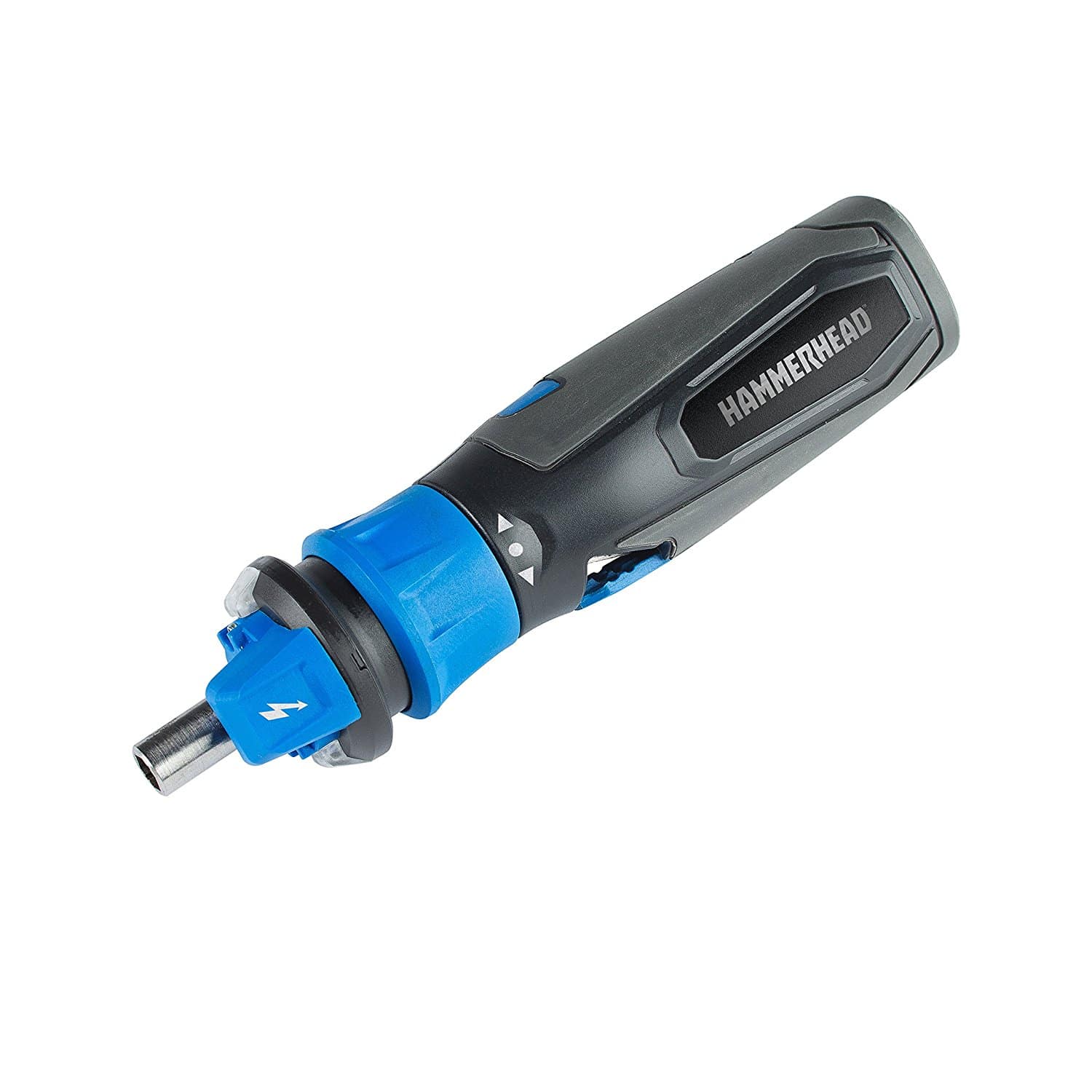
The HAMMERHEAD HCSD040 combines a rechargeable screwdriver with work lights and a non-contact live-wire detector. The detector is an auxiliary feature with important limits: it cannot establish that a circuit is safe to touch or work on. The previous version of this review incorrectly suggested otherwise.
Confirm HCSD040 on the tool. This is a review of documented functions and buying considerations, not a hands-on electrical test.
The sensor does not prove electrical safety
The manufacturer’s HCSD040 manual, archived by Manualzz, explicitly says not to substitute the tool for a voltmeter. It warns that low battery charge and shielded cables can affect results, and that hidden wiring may not be detected. Its stated detector range is 100–230V AC; it is not a general detector for DC or computer circuits.
Never insert the bit or any part of the tool into an outlet or contact a potentially live circuit. Do not interpret silence or an unlit indicator as proof of isolation. Electrical work requires proper isolation and verification by someone qualified for the task; get an electrician when that is outside your competence.
Assess it as a screwdriver
The manual lists a quarter-inch hex collet, forward/reverse control and two LED work lights. These can help with ordinary small fastening jobs, but they do not make the tool appropriate for every screw or material.
Look at the actual task: bit fit, access, fastener size and how precisely tightening must be controlled. Tiny electronics fasteners can be damaged by an unsuitable powered driver. Do not assume a tool is ideal for a laptop just because a past reviewer used it inside a computer.
Torque is not a substitute for the right method
The old review relied on conflicting opinions about power. Those comments cannot provide a tested torque rating or prove a defect rate. Use the manufacturer’s application limits, and stop if the fastener resists instead of repeatedly stalling the tool.
For connections with a specified final tightening torque, use the appropriate calibrated equipment and procedure. A convenient powered screwdriver alone does not confirm that a critical connection has been tightened correctly.
Charging and condition checks
The tool has an integrated battery and USB charging arrangement. Follow the matching manual for its specified power supply, charging indications and disconnection. The old anecdote about leaving it plugged in all the time is not charging advice.
Before buying a used unit, check the charging port, cable, controls, collet and housing, and ask about service options. A damaged or unreliable detector should not be dismissed as a harmless cosmetic fault, even if screwdriving still works.
Who should consider it?
Consider the HCSD040 on the basis of its fastening function, handling and support. Do not pay for it expecting the sensor to replace proper electrical testing. Check the exact package contents, return terms and warranty eligibility rather than relying on the earlier blanket accessory claims. For other formats, see our cordless-screwdriver guide.